
Translating letters with your glossary
Translate client letters as Word files into French and Italian, using the terms from your glossary.
Kieselmatt Treuhand AG sends its annual letter to clients all over Switzerland. With the translator and the glossary, the French and Italian versions are created right inside the Word file, with letterhead, tables and the firm's own terms.
Preparation
An admin sets in the glossary the terms that should always be translated the same way, with a separate entry per language:
| Term | Français | Italiano |
|---|---|---|
| Mandant | client | cliente |
| Treuhand | fiduciaire | fiduciaria |
| Mandatsleitung | responsable de mandat | responsabile del mandato |
| Honorarordnung | barème d'honoraires | tariffario |
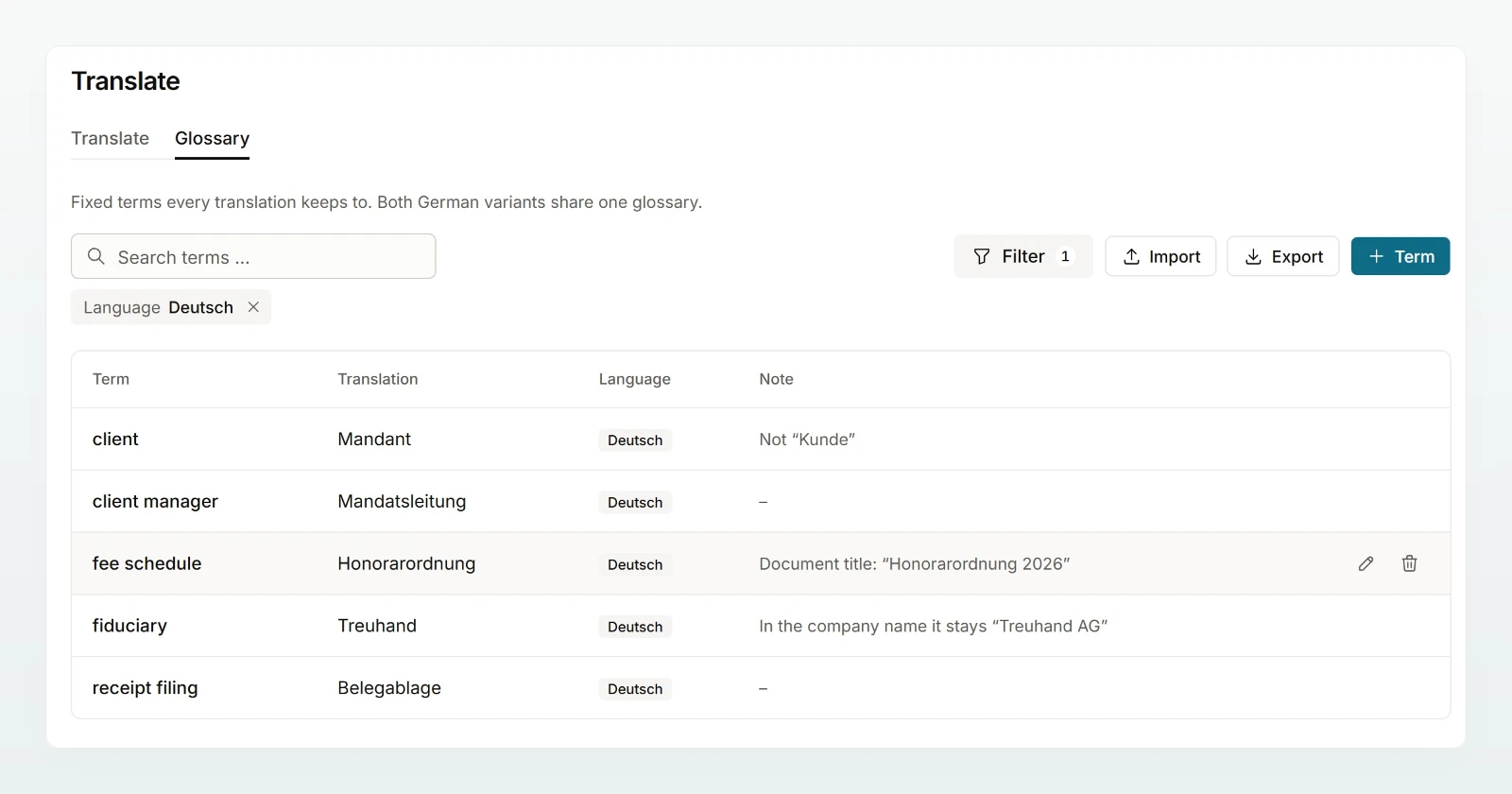
How terms are added or imported as a CSV is described in Translating. You need the letter as a Word file (.docx) of up to 4 MB; only then does Custodos translate inside the file.
How it works
Choose French
Click Translate in the sidebar, then the language shown in the message box, and choose Français under Target language.
Attach the letter and start
Attach the file with Attach file and click Translate. A chat with the Translator opens.
Check
Are the glossary terms there? Are amounts, dates and deadlines unchanged, for example CHF 1'250.00? Is the salutation right?
Refine
In the same chat, write what should change, for example "Please use Madame, Monsieur as the salutation". You receive a new version of the file.
For Italian, start a new translation with Italiano and the German original again. One chat per language keeps the versions apart.
What the translator observes
- The glossary wins, in inflected and plural forms too.
- Figures stay figures: amounts, dates, reference numbers and names stay unchanged.
- Swiss conventions: for a Swiss text it writes for readers in Switzerland, such as AVS for AHV and TVA for MWST, and in the formal register unless told otherwise.
Best practices
- Five to twenty glossary terms are enough to start with. Add what you notice while proofreading.
- Someone with good language skills reads the letter before it goes out.
- Translate the new German version every year rather than adjusting last year's translation by hand.
Frequently asked questions
Check that the term is in the glossary for exactly this language. If the entry is wrong, an admin corrects it. Then ask in the chat for the translation to be redone.
Yes, with the target language Deutsch (Schweiz). The glossary for German then applies: if "fiduciaire" should always become "Treuhand", an admin enters "fiduciaire" as the term and "Treuhand" as the translation there.