
Administration overview
As an admin you manage the team, billing and the rules of your workspace. You do not see your team's private chats.
Admins set up the workspace for everyone: who belongs to it, how many seats and credits there are, which models are allowed and which data protection rules apply. Whoever creates a workspace is an admin automatically. You make other people admins under Members and roles.
Where to find the admin pages
In the sidebar, directly above your account, admins see the Workspace section. Members do not see it, and its pages only open for admins.
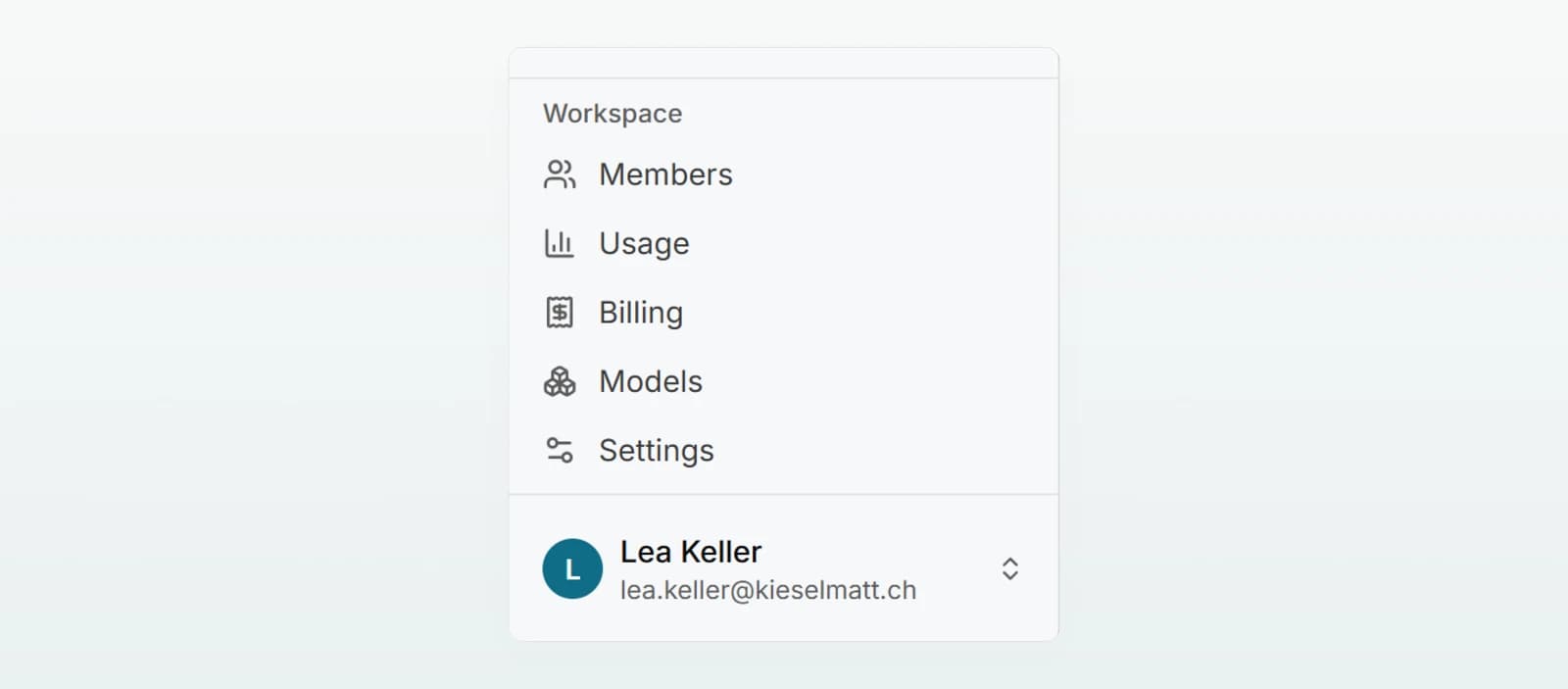
| Entry | What you do there |
|---|---|
| Members | Invite and remove people, assign roles and seats, set monthly budgets |
| Usage | Keep an eye on the credit pool: in total, per member, per model |
| Billing | Plan, seats, billing details and invoices |
| Models | Processing region and allowed models |
| Settings | Data protection, security mode, web search, cache duration, retention, sharing, access and the activity log |
Settings apply to everyone in the workspace. Every change there is recorded in the activity log.
Admin and member
| What | Member | Admin |
|---|---|---|
| Chat, use brains and agents | Yes | Yes |
| Invite and remove people, change roles and seats | No | Yes |
| View usage and billing | No | Yes |
| Change models, data protection and other settings | No | Yes |
| See agents shared with specific people | Only if shared with them | Yes |
| Read other people's private chats | No | No |
| See other people's private agents | No | No |
What admins deliberately do not see
The admin role is for running the workspace, not a window into other people's work:
- Private chats: a chat belongs to the person who started it. Admins cannot open it. Only the people it was shared with can read it.
- Private agents: an agent someone created only for themselves stays invisible to admins too.
- Brains: you decide whether admins see every brain. When the setting is off, the person who creates a brain decides. More under Sharing and brain access.
- Chat content in usage and the log: the Usage page shows only credits per person. The activity log records administrative steps, never messages or replies.
All admin pages
Invitations, roles, seats and monthly budgets.
Sign-in and accessSign-in methods, requiring SSO, restricting invitations to your domain.
Seats and billingTrial, plan, changing seats, billing details and invoices.
Credits and usageThe shared pool, the Usage page and what happens when it runs out.
Models and regionsWhere processing happens and which models your team may use.
Configuring data protectionPseudonymise, block or off, categories and custom rules.
Setting up security modeParticularly sensitive chats with firm guarantees.
Managing web searchWhether models may search the web and what it costs.
Sharing and brain accessAllow sharing chats and control admins' access to brains.
Retention and context cacheHow long chats are kept and how the cache lowers costs.
Activity logWho on the team administered what, as a table or CSV.
Custom brandingYour name and logo instead of Custodos.
To set things up in the right order, follow the checklist in Set up your workspace. Share the Quickstart with your team.