Features
Set web search and the context cache for your workspace, and find where image generation is controlled.
Under Settings › AI › Features you decide whether models may search the web and how long an ongoing conversation is cached. With groups you also decide here who uses which feature.
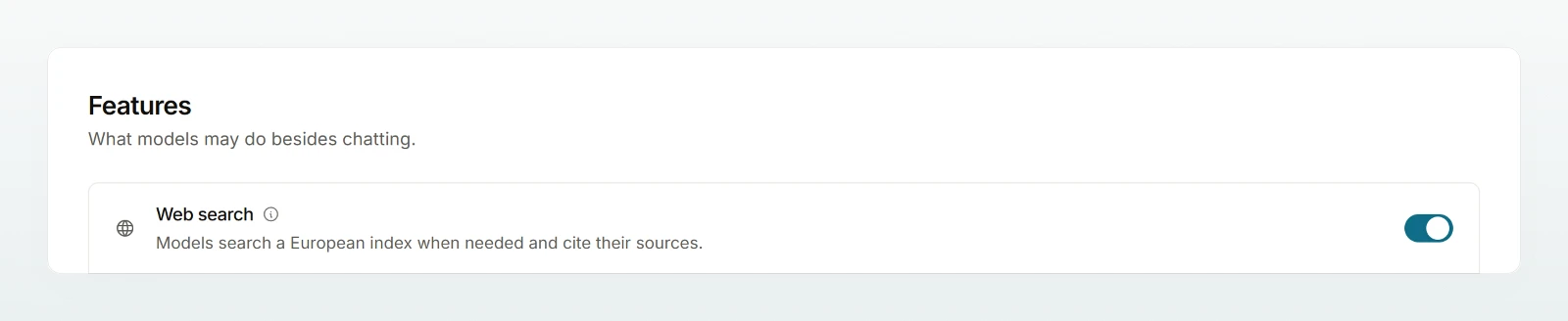
Web search
With the switch Allow web search models may search a European index when needed. In a new workspace it is on. In the region Switzerland it is locked, because search queries would leave Switzerland. What is sent and what a search costs is described in Managing web search.
Context cache
The Context cache makes replies in the same conversation faster and cheaper. The cache stays with the same provider and in the same region that processes the prompt anyway. Choose the level in the row Context cache; it is saved at once.
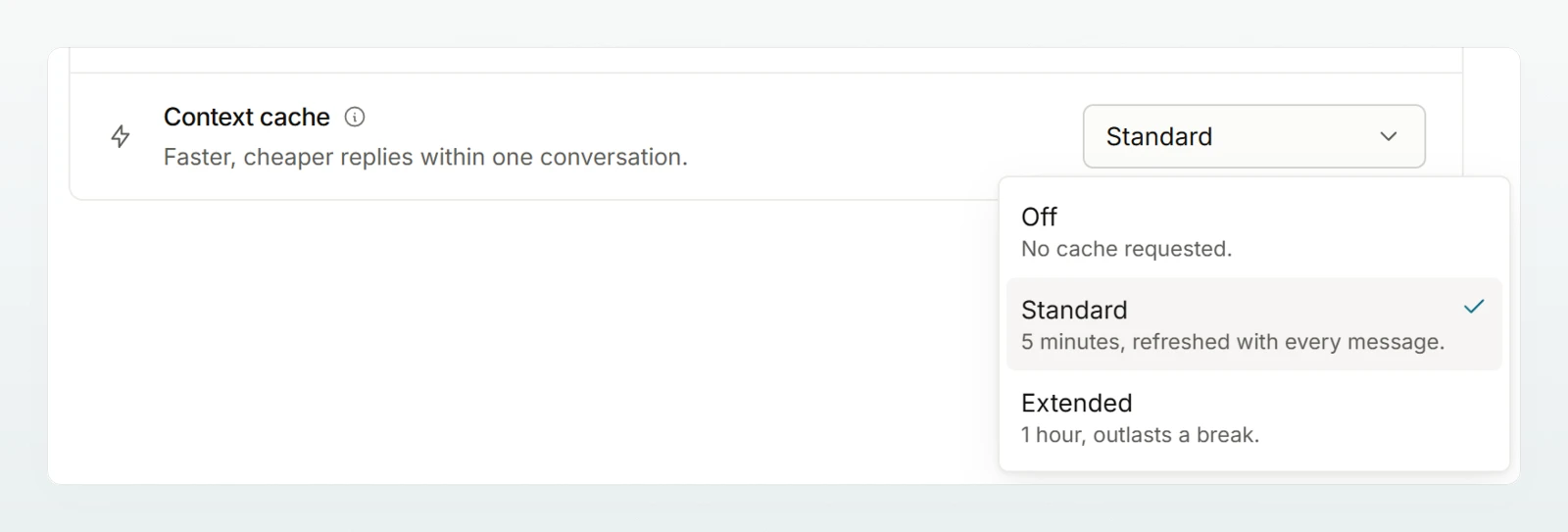
| Level | Meaning |
|---|---|
| Off | No cache requested. |
| Standard | 5 minutes, extended with every message. The default. |
| Extended | 1 hour. Currently works like Standard, because no model has been verified for the long cache yet. |
Generating images
There is no switch of its own for this. Members create images with Create image as long as at least one image model is allowed under Models. In the region Switzerland and in security mode there is no image generation.
Who can use them (groups)
If groups are switched on (on request), in the section Who can use them you choose Everyone or Selected groups per feature, for Web search, Create images and Share agents with everyone. The switch above remains the ceiling: if web search is off or no image model is allowed, the choice is locked. Groups in security mode or set to Switzerland only, which therefore do not get a feature, carry a mark in the picker.